Everything you need to finish a song.
Write, record, mix and export in one app. Use the AI for any step, or for none of them.
Draw notes, build sections, move whole choruses.
A piano roll with paint, slice and quantize tools, velocity and controller lanes, scale highlighting and ghost notes from other tracks. Mark your intro, verse and chorus, then copy and move them as blocks. Change tempo or time signature anywhere in the song.
- Instrument, audio, bus and folder tracks
- Automation you can draw or record live
- Pattern mode to loop and refine one clip
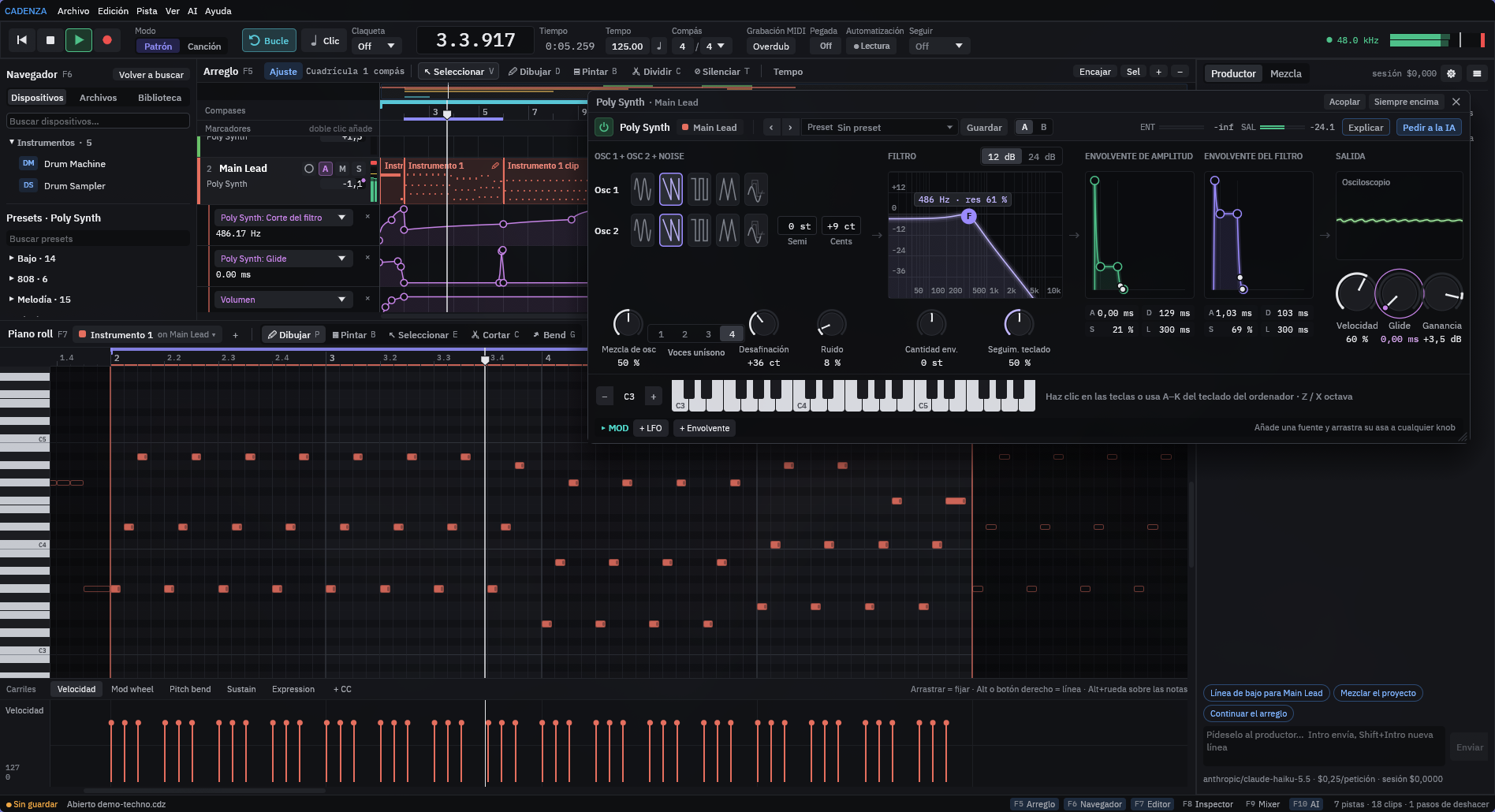
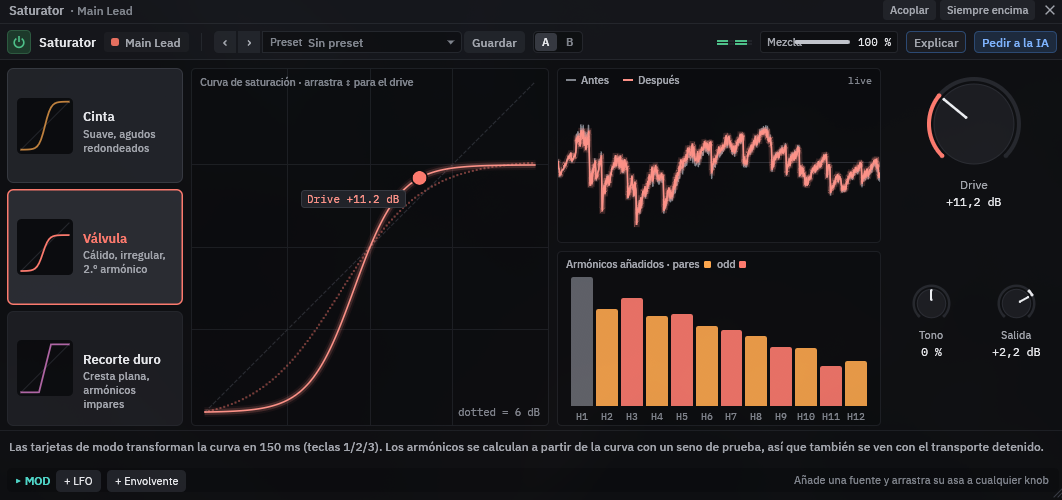
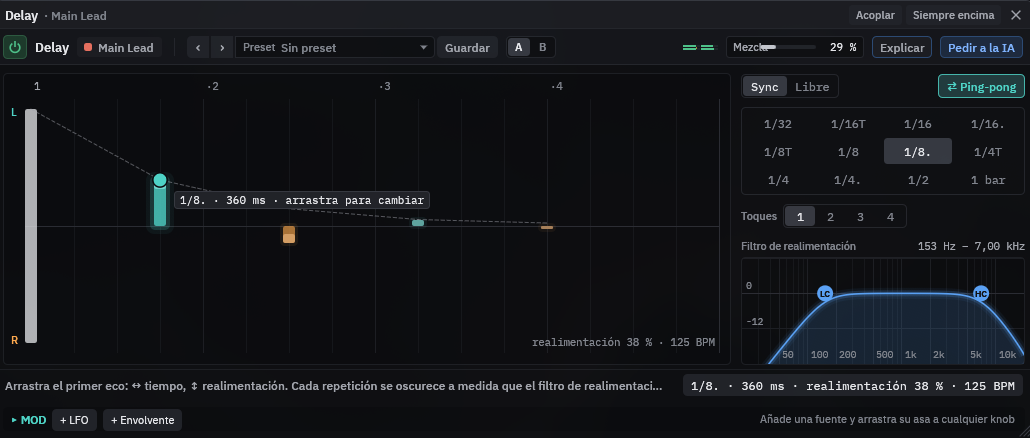
Every device has its own visual editor.
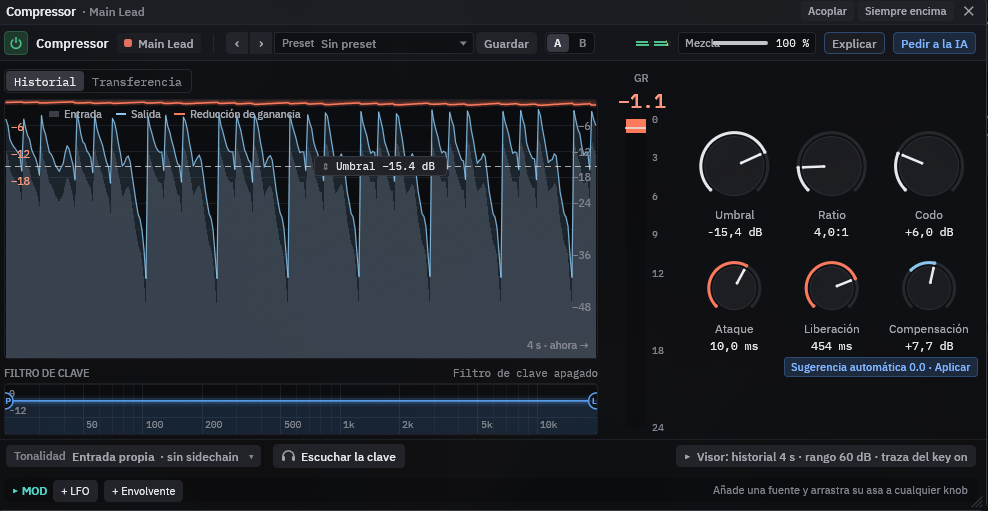
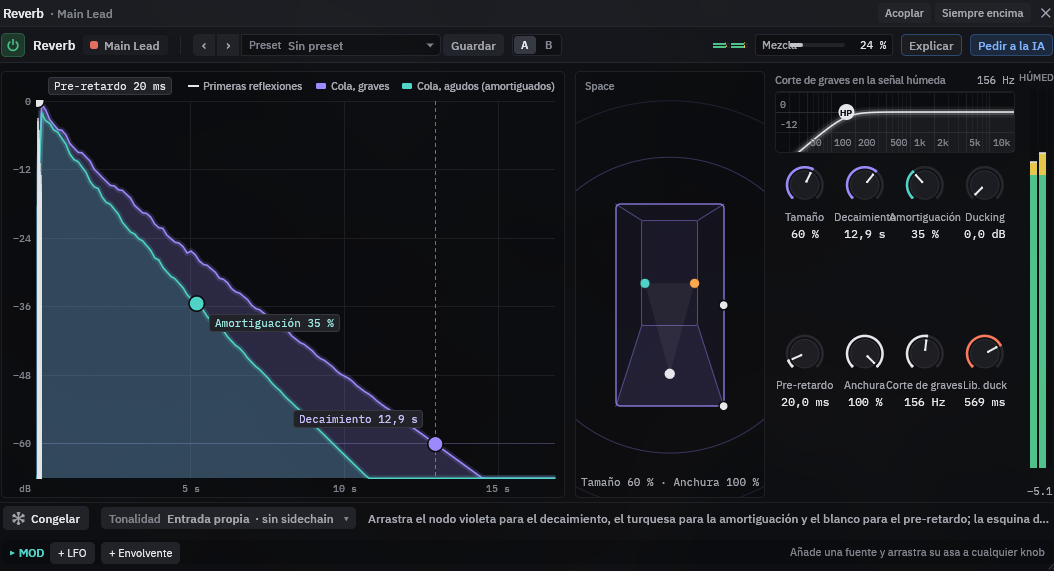
Synths, an electric piano, a drum machine, a drum sampler with genre kits and a sampler, plus EQ, compressor, reverb, delay, chorus, saturator and limiter. See what you hear: drag the curve, the threshold or the echo itself, compare two settings with A/B, or ask the AI to explain a device.
Already own plugins? Cadenza loads CLAP and VST3 and runs them apart from your song, so a plugin that crashes never takes your session with it.
See the included sounds →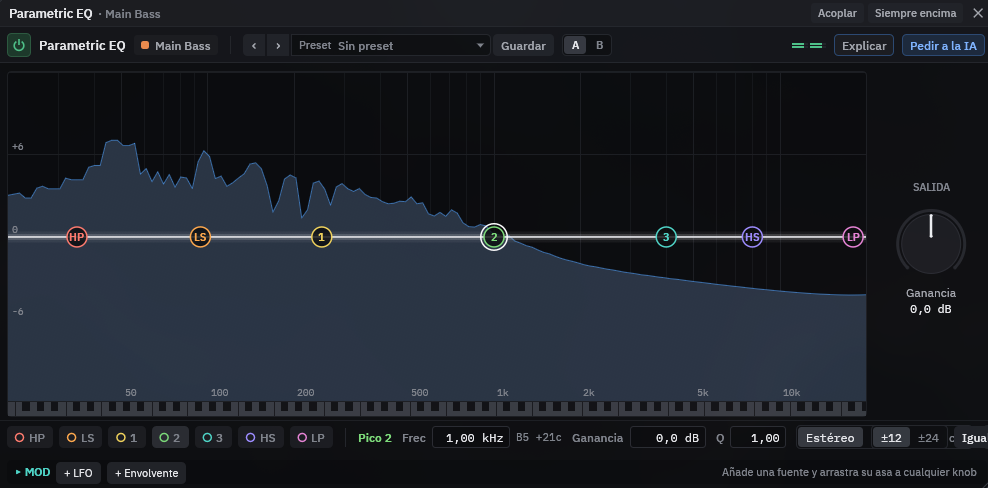
Sing it five times. Keep the best of each.
Record vocals, guitar or a MIDI keyboard. Loop a section and Cadenza stacks every pass as a take; click or swipe across takes to build the perfect one. Count-in, metronome and punch-in included, with latency handled for you.
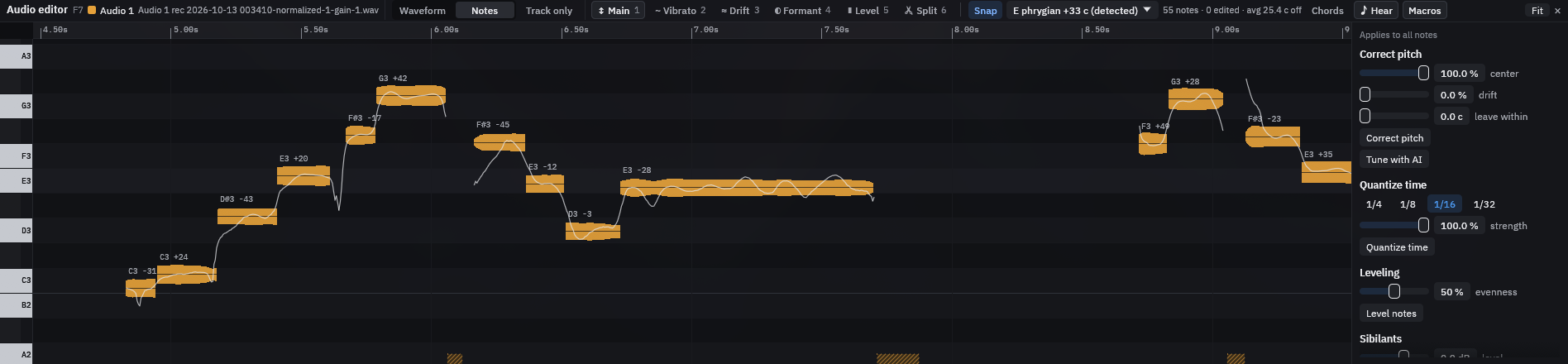
Then open the recording as notes: Cadenza finds the key, shows how far each note is from pitch, and corrects pitch, timing and level, by hand or with the AI.
Know what to fix before you send it out.
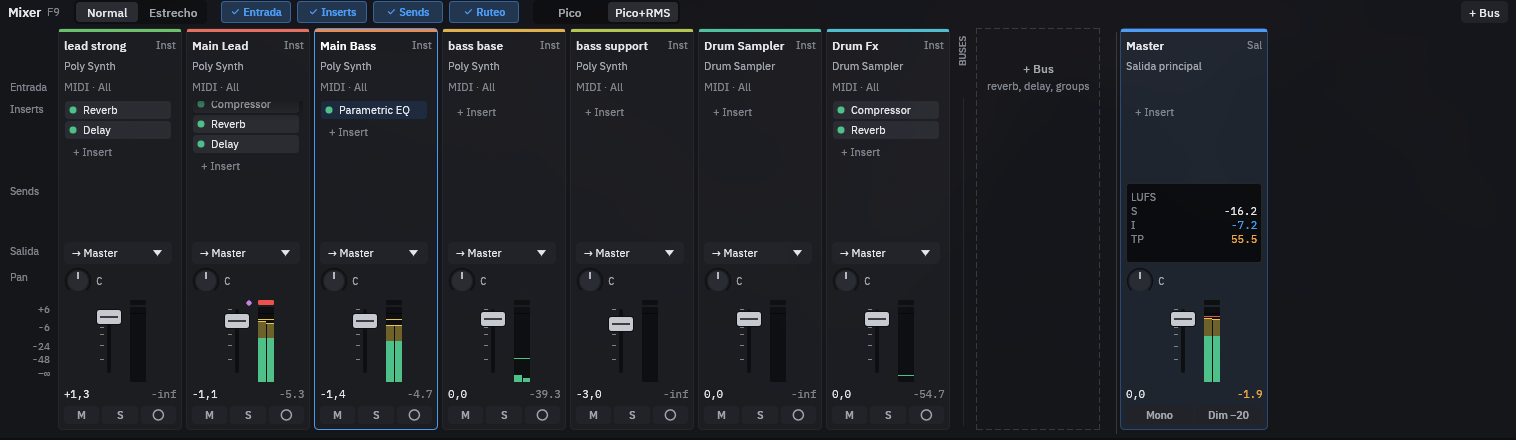
A mixer with live meters, sends, routing and loudness on the master. The mix check measures your song against a target and tells you, in plain words, what is too loud, too dull or crowded, with a fix for each problem.
Export WAV, FLAC or MP3, each instrument as its own file if you need stems, at the loudness streaming services expect.
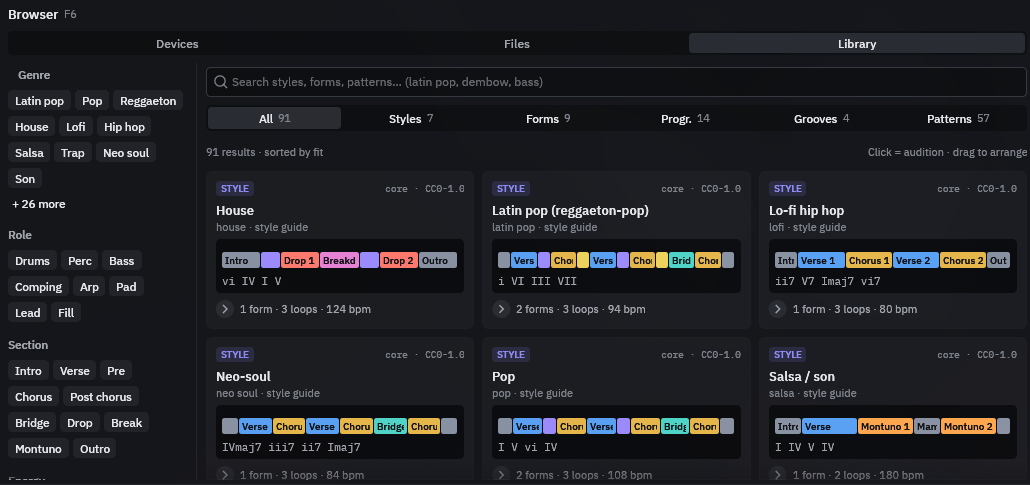
Start from a groove, not a blank page.
Browse styles, song forms, chord progressions, grooves and patterns by genre, role and section. Click to hear one, drag it into your song. The AI uses the same library, so its ideas fit your style.
And the details that save your day
Unlimited undoEvery edit, yours or the AI’s, is one step back.
Autosave and recoveryCadenza offers to bring back your work after a crash.
Your languageThe app speaks 10 languages, from Spanish to Japanese.
Keyboard shortcutsPress F1 in the app to see them all.